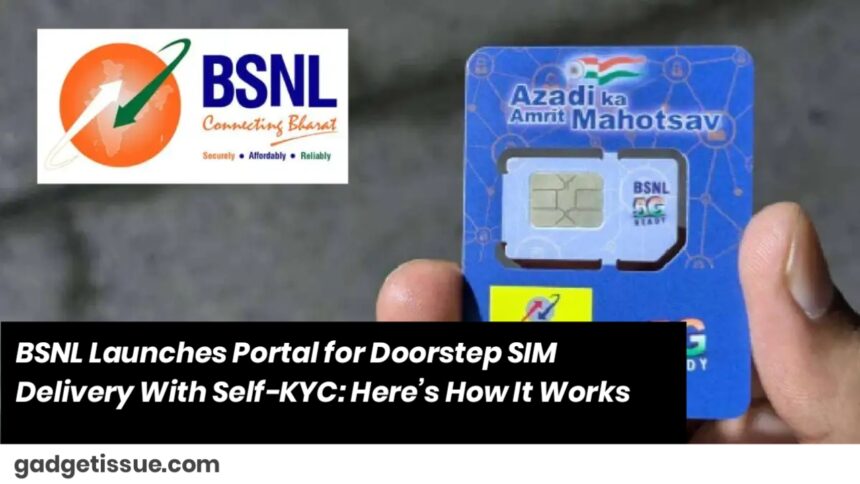
Bharat Sanchar Nigam Limited (BSNL) has launched a new online portal that enables doorstep delivery of SIM cards, making it easier than ever for users to get connected—without stepping out of their homes. With this new service, BSNL is joining the ranks of Airtel, Jio, and Vi in offering home delivery of SIMs across India.
BSNL SIM Card Home Delivery: What You Need to Know

Through BSNL’s new portal, consumers can request a new prepaid or postpaid SIM connection or port their existing number from another service provider. The entire process is simplified with a self-KYC verification, which eliminates the need for in-person documentation.
To use the service, customers will need to fill out a customer registration form on the portal, where they can choose the type of connection they want—prepaid or postpaid.
Here’s the information required for registration:
- PIN code
- Full name of the applicant
- Alternate mobile number
After submitting these details, an OTP is sent to the alternate mobile number to confirm the request.
For assistance or questions, BSNL customers can call the helpline at 1800-180-1503.
What’s Not Yet Clear
While BSNL has made a welcome move by enabling doorstep SIM delivery, it hasn’t yet clarified whether this service will be free of cost. In contrast, private telecom companies like Airtel, Reliance Jio, and Vodafone Idea (Vi) already offer this service free of charge.
Context: Why This Matters
BSNL’s move comes at a crucial time. According to the latest figures from the Telecom Regulatory Authority of India (TRAI), BSNL lost 0.2 million total subscribers and 1.8 million active subscribers in April alone. The company recently rolled out its 5G services in India and also introduced 5G FWA (Fixed Wireless Access) plans, starting at ₹999 per month with 100Mbps speed.
With competition heating up in the telecom sector, BSNL’s doorstep SIM delivery and self-KYC initiative may help it improve customer convenience—and possibly win back some of its lost user base.
Also Read : Why Your Phone’s Touchscreen Feels Slower in 2025 and How You Can Fix It Fast