By using this site, you agree to the Privacy Policy and Terms of Use.
Accept

Gadget Issues

Fix Your Gadgets

  • About Us
  • How to Fix
  • Error Fix
  • Tutorial
  • Tech News
© 2025 All Rights Reserved.
Reading: Google Expands AI Mode in Search to India, Adds Voice and Image Input Features
Share
Sign In
Notification Show More
Font ResizerAa

Gadget Issues

Fix Your Gadgets

Font ResizerAa
  • About Us
  • How to Fix
  • Error Fix
  • Tutorial
  • Tech News
Search
  • About Us
  • How to Fix
  • Error Fix
  • Tutorial
  • Tech News
Have an existing account? Sign In
Follow US
© 2022 Foxiz News Network. Ruby Design Company. All Rights Reserved.
Gadget Issues > Blog > Tech News > Google Expands AI Mode in Search to India, Adds Voice and Image Input Features
Tech News

Google Expands AI Mode in Search to India, Adds Voice and Image Input Features

skynet
Last updated: June 24, 2025 12:37 pm
skynet
Share
3 Min Read
SHARE

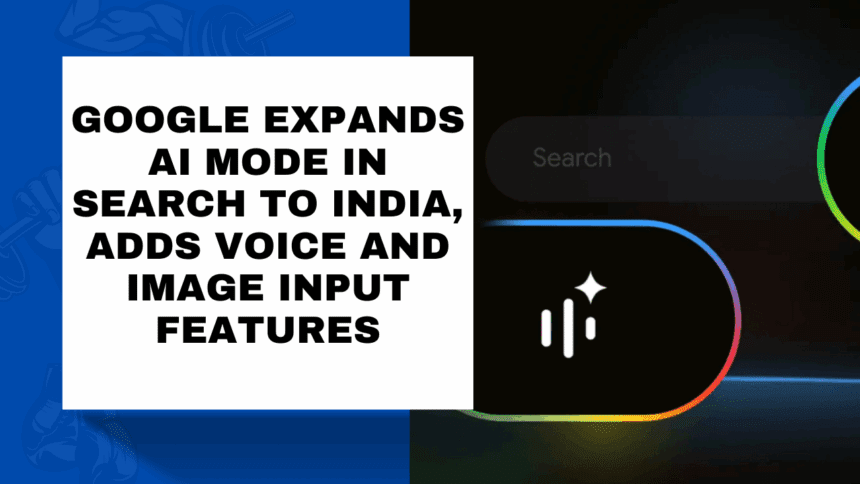
Google is officially bringing its AI-powered search experience, AI Mode, to India—marking the feature’s first expansion outside the United States. Initially introduced to select U.S. users in March and rolled out nationwide in May, AI Mode is now available in India through Search Labs, Google’s testbed for experimental search features.

Contents
What Is AI Mode in Google Search?Key Features Now Available in India:Where to Access ItWhat’s Next for AI Mode?The Bigger Picture

What Is AI Mode in Google Search?

AI Mode is Google’s next-generation search experience, powered by a custom version of the Gemini 2.5 large language model (LLM). It enhances traditional search results with AI-generated summaries, suggestions, and the ability to break down complex queries into subtopics using a method called “query fan-out.” This allows the system to run multiple searches in parallel to deliver a more complete and intelligent response.

Key Features Now Available in India:

  • Voice Input: You can now speak your queries directly instead of typing them.
  • Image Input via Google Lens: Snap a photo of an object, and AI Mode can analyze the image and generate a more detailed and contextual answer.
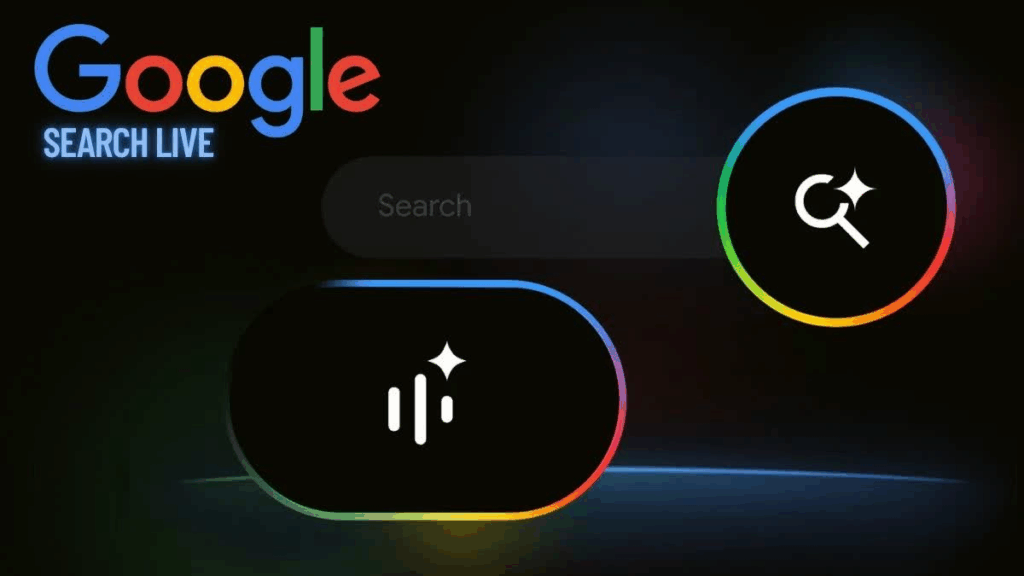
  • Integrated Search Experience: Once AI Mode is activated through Search Labs, users will find a new AI section below the search bar, positioned before the usual “All” and “News” tabs.

Although the Indian rollout doesn’t yet include the full Search Live voice conversation feature (available in the U.S.), the integration with Google Lens and support for visual and voice input is a major upgrade.

Where to Access It

AI Mode is accessible through:

  • Desktop browsers via the Google website
  • The Google app on smartphones
  • Google Lens for image-based queries

Users can activate the feature after enrolling in Search Labs.

What’s Next for AI Mode?

In the U.S., Google is already testing personalized prompt suggestions based on a user’s recent search history. These context-aware prompts refresh whenever a user reopens the “Meet AI Mode” interface on mobile apps or Pixel phones—hinting at deeper personalization features possibly coming to India soon.

The Bigger Picture

While Google positions AI Mode as a productivity and information tool, its arrival has also stirred industry-wide concerns. Groups like the News Media Alliance have criticized the feature, arguing that AI-generated summaries may divert traffic away from publishers and creators, reducing visibility and revenue.

Also Read : Exciting New Features in Apple’s iOS 18 & iPadOS 18 You Need to Know

You Might Also Like

Boat Launches Wave Fortune Smartwatch in India With NFC Tap-to-Pay and Bluetooth Calling

Apple’s iOS 26 Update to Launch Without Some Features in the EU

Vivo T4R 5G Tipped to Launch in India Soon, Could Feature Dimensity 7400 Chipset

YouTube Shorts to Add Google’s Veo 3 AI Video Generator With Native Audio Support This Summer

Nothing Phone 3 Debuts in India With Snapdragon 8s Gen 4 and New Glyph Matrix

TAGGED:AI ExpansionAI Search IndiaAI-Powered SearchComplex QueriesGemini 2.5Google AI ModeGoogle LabsGoogle Search UpdateImage SearchIndian Tech NewsMultimodal InputMultimodal SearchSearch InnovationSearch ModeVoice Search
Share This Article
Facebook Twitter Copy Link Print
Share
Previous Article Realme GT 8 Pro Tipped to Feature Anti-Glare 2K Display, Snapdragon 8 Elite 2 SoC
Next Article Google Pixel 10 Might Miss Out on Key Features Like Vapour Chamber and Wi-Fi 7: Report

Latest News

How to Fix “USB Device Not Recognized”: A Complete Troubleshooting Guide
How to Fix
Stable Sight: 5 Ways to Stop Your Laptop Screen from Flickering.
How to Stop Laptop Screen Flickering: A Step-by-Step Fix Guide
How to Fix
Android speaker
8 Ways to Troubleshoot Any Speaker Issues on Your Android Phone
How to Fix
Phone Storage Full Fix
Free Up Storage Space on Your Phone in 6 Easy Steps
How to Fix
//

“Struggling with slow internet or other gadget problems? Our blog offers step-by-step solutions to common tech issues, helping you troubleshoot and resolve problems quickly and efficiently.”

Quick Link

  • Contact Us
  • Privacy Policy
  • Terms and Conditions
  • Cookie Policy
  • Disclaimer

Read Categories

  • Error Fix
  • How to Fix
  • Tech News
  • Tutorial
  • Uncategorized

Find Us on Socials

Follow US
© 2025 Gasgetissues. All Rights Reserved.
Welcome Back!

Sign in to your account


Lost your password?