

How to Fix Staingate on Apple MacBook Displays
“Staingate” is a common issue affecting MacBook displays, where the anti-reflective coating begins to wear off, leaving unsightly stains and…


How to Repair Fading Pixels on an LED Screen
LED screens are known for their vibrant colors and sharp images, but over time, some pixels may start to fade.…

How to Fix a Non-Working Start Button on a Laptop
If your laptop's Start button is unresponsive, it can disrupt your workflow. Whether it's a hardware issue or a software…

How to Fix Dead Pixels on Your Laptop Screen
Dead pixels can be annoying, especially when they appear right in the middle of your screen. These tiny dots that…
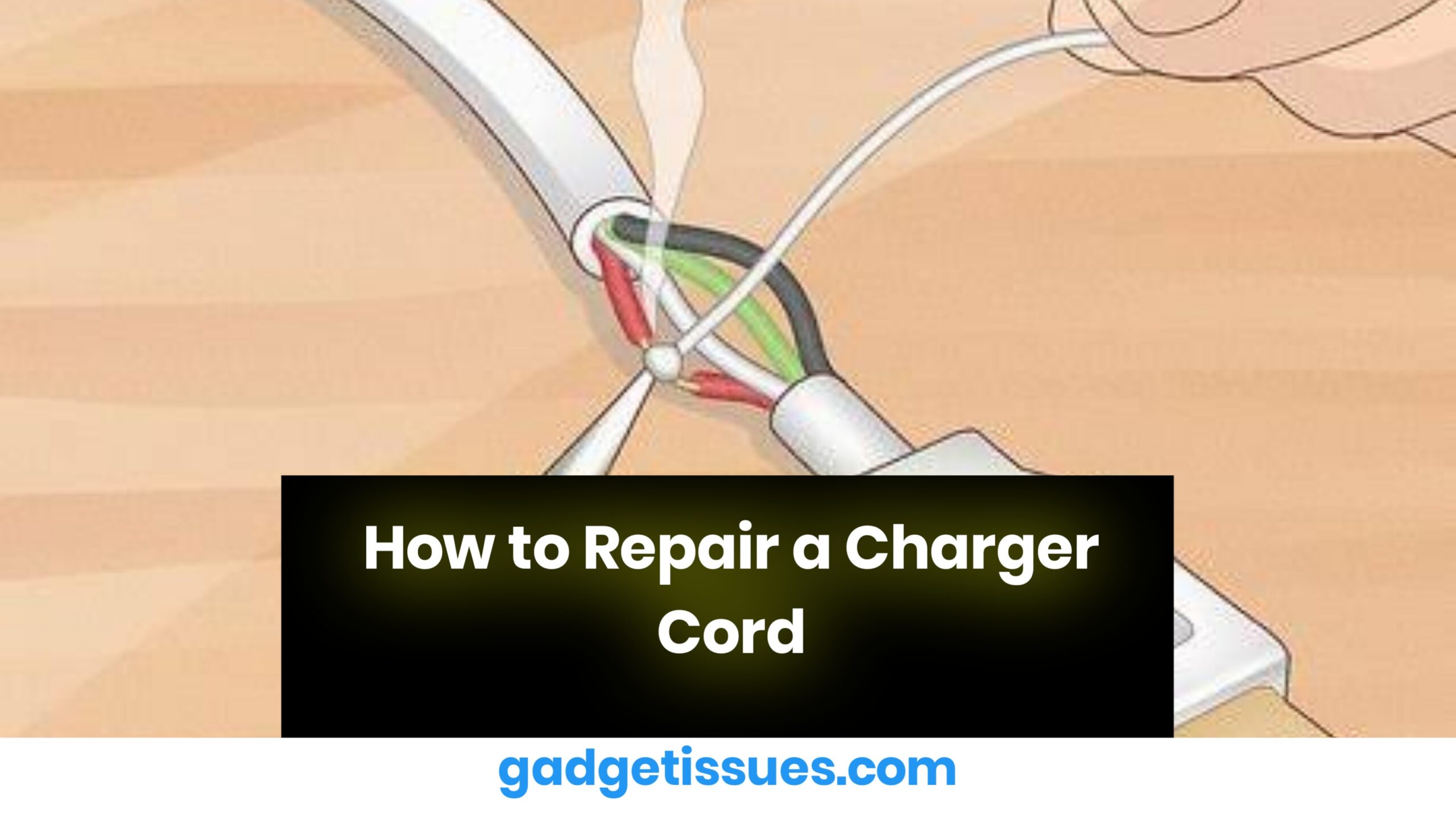
How to Repair a Charger Cord
Repairing a charger cord depends on the type of damage, but here’s a general step-by-step guide to help you safely…
How to Replace the Graphics Card on an ASUSTeK B360-KYLIN Motherboard: Step-by-Step Guide
1. Preparing for the Replacement Before replacing the graphics card, ensure you are working in a static-free environment. Always ground…

How to Repair a Loose USB Port on a Xiaomi Power Bank
Fixing a loose USB port on a Xiaomi power bank depends on whether the issue is due to physical damage…
Troubleshooting Touchscreen Issues After Water Damage
Water damage is one of the most common causes of touchscreen malfunction. When liquid seeps into the device, it can…

How to Fix Your Touchpad: Should You Clean It or Replace It?
Oh man, I feel you. There’s nothing more annoying than when your laptop touchpad suddenly goes all glitchy—jumping around or…

How to Fix Common Issues on Your iPhone XR
Let’s face it—when your phone isn’t working right, it can throw off your whole day. Whether it's a glitchy screen,…




