By using this site, you agree to the Privacy Policy and Terms of Use.
Accept

Gadget Issues

Fix Your Gadgets

  • About Us
  • How to Fix
  • Error Fix
  • Tutorial
  • Tech News
© 2025 All Rights Reserved.
Reading: How to Fix a Slightly Cracked Screen: A Complete Guide
Share
Sign In
Notification Show More
Font ResizerAa

Gadget Issues

Fix Your Gadgets

Font ResizerAa
  • About Us
  • How to Fix
  • Error Fix
  • Tutorial
  • Tech News
Search
  • About Us
  • How to Fix
  • Error Fix
  • Tutorial
  • Tech News
Have an existing account? Sign In
Follow US
© 2022 Foxiz News Network. Ruby Design Company. All Rights Reserved.
Gadget Issues > Blog > How to Fix > How to Fix a Slightly Cracked Screen: A Complete Guide
How to Fix

How to Fix a Slightly Cracked Screen: A Complete Guide

skynet
Last updated: May 9, 2025 3:41 am
skynet
Share
3 Min Read
SHARE

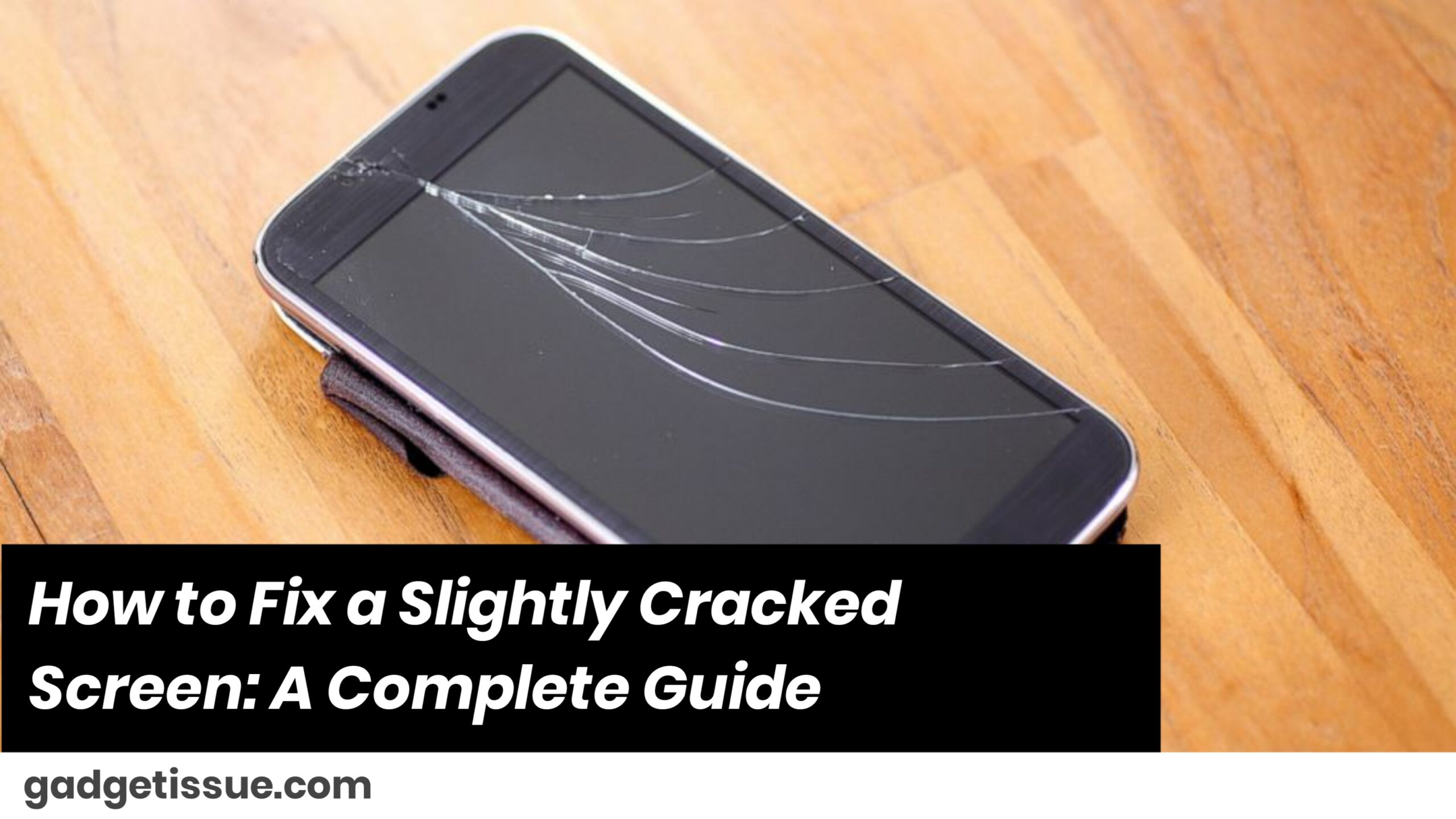
If your smartphone, tablet, or laptop screen has a minor crack, there are ways to protect or improve it without replacing the screen. This guide focuses on DIY methods for screen cracks that don’t interfere with display or touch responsiveness.

Contents
1. Evaluate the Severity of the Crack2. Clean the Screen Thoroughly Before Any Fix3. Use a Tempered Glass Screen Protector4. Apply Clear Nail Polish (Temporary Hack)5. Try a UV Glass Repair Kit6. When to Seek Professional RepairSummary

1. Evaluate the Severity of the Crack

Before starting any fix, inspect the screen:

  • Is it a hairline crack or deeper?
  • Is the display fully functional with no flickering or dead pixels?
  • Is the touchscreen responsive?

2. Clean the Screen Thoroughly Before Any Fix

Dirt or oils can prevent proper adhesion. Here’s how to clean it:

  • Power off your device.
  • Use a microfiber cloth and a small amount of isopropyl alcohol (70% or higher).
  • Wipe gently and let it dry completely.

3. Use a Tempered Glass Screen Protector
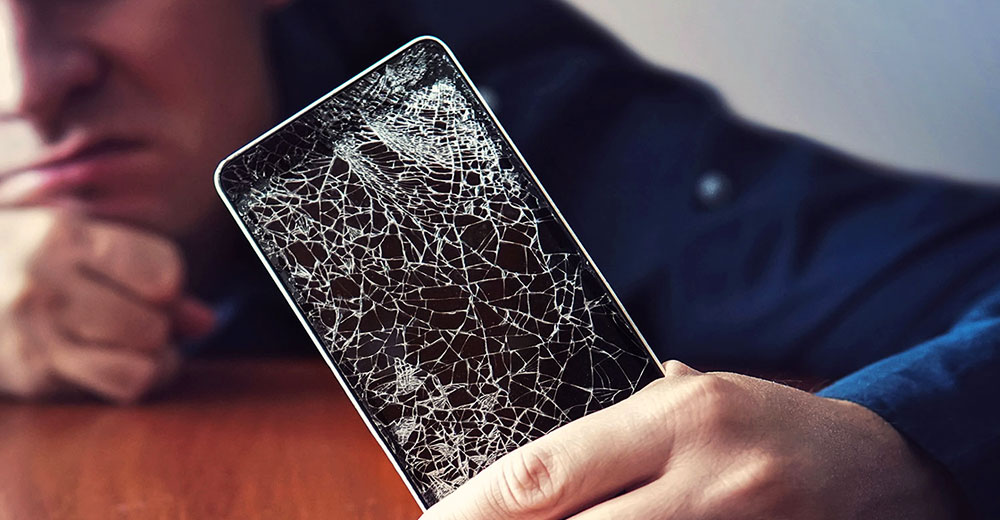
This is the easiest way to control a crack and prevent further damage.

Benefits:

  • Seals the surface
  • Prevents further spreading
  • Protects your fingers

Steps:

  1. Clean the screen thoroughly.
  2. Apply a tempered glass protector carefully.
  3. Press from the center outward to eliminate bubbles.

This doesn’t fix the crack but stabilizes it and makes the screen safer and more usable.

4. Apply Clear Nail Polish (Temporary Hack)

Best for micro-cracks. Here’s how:

  1. Dab clear nail polish into the crack.
  2. Let it sit for 10–15 minutes.
  3. Scrape excess with a plastic razor or card.
  4. Wipe clean with a soft cloth.

Note: This is only cosmetic and won’t strengthen the glass.

5. Try a UV Glass Repair Kit

UV liquid glass kits offer a semi-permanent solution. You can find a UV screen repair kit online.

Steps:

  1. Clean the screen.
  2. Apply liquid adhesive along the crack.
  3. Use the included UV light to cure it (5–10 minutes).
  4. Wipe off residue.

It improves appearance and provides some structural reinforcement.

6. When to Seek Professional Repair

Skip DIY and go straight to service if:

  • The screen is unresponsive or cracked deeply
  • Touch sensitivity is affected
  • Internal display (LCD/LED) is damaged
  • You have an expensive phone or warranty coverage

Summary

Crack TypeDIY FixSuggested Solution
Hairline crackYesTempered glass, nail polish
Small surfaceYesUV repair kit, screen protector
Deep/SpreadingNoProfessional repair recommended
Touch issuesNoReplace screen via service center

Also Read : How to Clean Your Laptop Fan Without Taking It Apart

You Might Also Like

How to Effectively Remove Water From Your Samsung Phone: A Step-by-Step Guide

How to Fix MacBook Display “Staingate” Issue: A Step-by-Step Guide

How to Fix a Water-Damaged Charging Port

How to Boot Your Samsung Galaxy in Safe Mode – A Step-by-Step Guide

Can’t Boot from USB Flash Drive – Troubleshooting Guide

TAGGED:Cracked phone screen DIYCracked Screen FixCracked screen solutionsDIY Phone RepairFix Cracked ScreenHow to fix phone screenHow to prevent screen cracksMobile phone screen repairMobile Screen DamagePhone screen repairRepair cracked screenRepairing phone screenScreen crack fix tipsScreen repair guideSmartphone Maintenance
Share This Article
Facebook Twitter Copy Link Print
Share
Previous Article How to Fix or Replace a Faulty Headphone Jack
Next Article How to Fix Scratched Gorilla Glass: A Detailed Guide

Latest News

How to Fix “USB Device Not Recognized”: A Complete Troubleshooting Guide
How to Fix
Stable Sight: 5 Ways to Stop Your Laptop Screen from Flickering.
How to Stop Laptop Screen Flickering: A Step-by-Step Fix Guide
How to Fix
Android speaker
8 Ways to Troubleshoot Any Speaker Issues on Your Android Phone
How to Fix
Phone Storage Full Fix
Free Up Storage Space on Your Phone in 6 Easy Steps
How to Fix
//

“Struggling with slow internet or other gadget problems? Our blog offers step-by-step solutions to common tech issues, helping you troubleshoot and resolve problems quickly and efficiently.”

Quick Link

  • Contact Us
  • Privacy Policy
  • Terms and Conditions
  • Cookie Policy
  • Disclaimer

Read Categories

  • Error Fix
  • How to Fix
  • Tech News
  • Tutorial
  • Uncategorized

Find Us on Socials

Follow US
© 2025 Gasgetissues. All Rights Reserved.
Welcome Back!

Sign in to your account


Lost your password?