By using this site, you agree to the Privacy Policy and Terms of Use.
Accept

Gadget Issues

Fix Your Gadgets

  • About Us
  • How to Fix
  • Error Fix
  • Tutorial
  • Tech News
© 2025 All Rights Reserved.
Reading: How to Fix Water Spots or Moisture Marks on Your Mobile Screen
Share
Sign In
Notification Show More
Font ResizerAa

Gadget Issues

Fix Your Gadgets

Font ResizerAa
  • About Us
  • How to Fix
  • Error Fix
  • Tutorial
  • Tech News
Search
  • About Us
  • How to Fix
  • Error Fix
  • Tutorial
  • Tech News
Have an existing account? Sign In
Follow US
© 2022 Foxiz News Network. Ruby Design Company. All Rights Reserved.
Gadget Issues > Blog > How to Fix > How to Fix Water Spots or Moisture Marks on Your Mobile Screen
How to Fix

How to Fix Water Spots or Moisture Marks on Your Mobile Screen

skynet
Last updated: April 4, 2025 8:18 am
skynet
Share
2 Min Read
SHARE

If your phone screen shows water spots, discoloration, or hazy patches after exposure to moisture, it’s likely that water has seeped under the screen or affected the display layers. While not always permanent, these marks need careful attention to avoid worsening the damage.

Contents
What Causes Water Spots on Mobile Screens?Step-by-Step Fixes for Water SpotsTips to Prevent Water Spots in the Future

What Causes Water Spots on Mobile Screens?

  • Condensation trapped between the glass and LCD
  • Moisture behind the screen due to water exposure
  • Internal humidity after a sudden temperature change

Step-by-Step Fixes for Water Spots

  1. Power Off the Device
    • Immediately turn off your phone to prevent further electrical damage.
  2. Use the Silica Gel Method
    • Place your phone in a sealed bag with silica gel packets for 48–72 hours to absorb moisture.
  3. Avoid Using Heat Guns or Hairdryers
    • Excessive heat can worsen screen damage. Let it dry naturally or with controlled moisture-absorbing tools.
  4. Use a Vacuum Cleaner
    • Gently use a low-power vacuum around the phone’s edges and ports to draw out internal moisture. Do not use a strong setting.
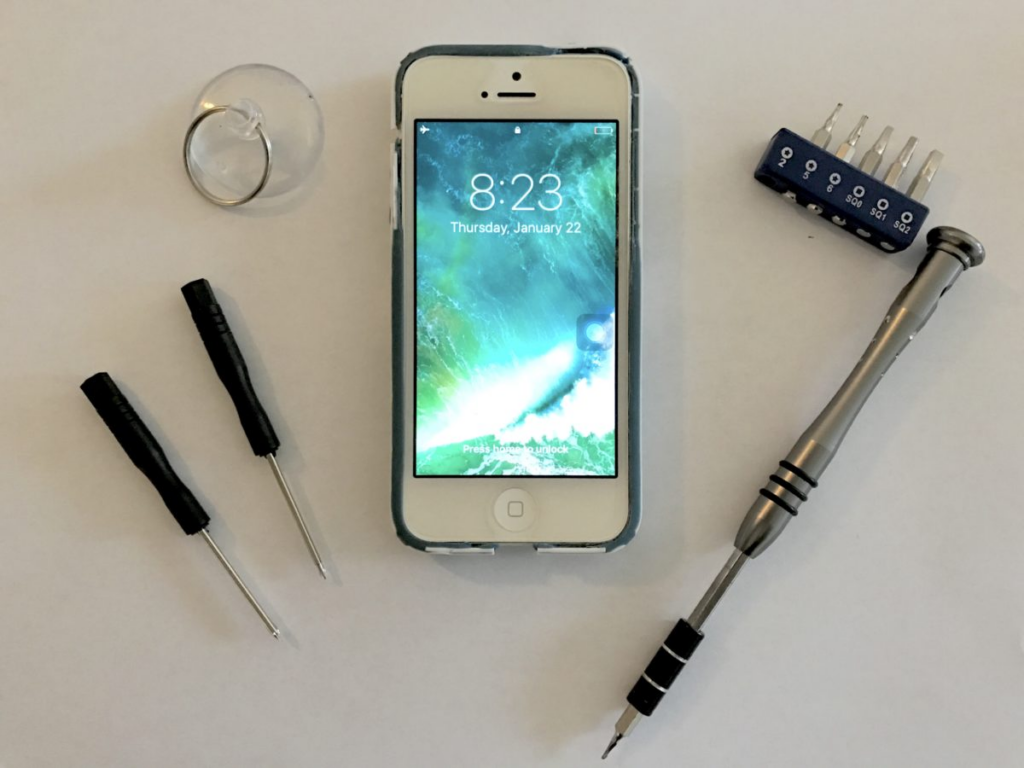
  5. Disassemble and Clean Internally (Advanced)
    • If you’re experienced with electronics, carefully open the phone and clean around the display and connectors with isopropyl alcohol (99%) using a soft brush.
  6. Professional Ultrasonic Cleaning
  1. Some authorized service centers offer ultrasonic cleaning to remove moisture and corrosion from display components.

Tips to Prevent Water Spots in the Future

  • Always use a water-resistant phone case.
  • Avoid exposing your phone to sudden temperature shifts.
  • Keep your phone away from steam-heavy areas like bathrooms or kitchens.

Also Read : SIM Card Not Recognized After Drop? Here’s How to Fix It

You Might Also Like

How to Effectively Remove Water From Your Samsung Phone: A Step-by-Step Guide

How to Fix MacBook Display “Staingate” Issue: A Step-by-Step Guide

How to Fix a Water-Damaged Charging Port

How to Boot Your Samsung Galaxy in Safe Mode – A Step-by-Step Guide

Can’t Boot from USB Flash Drive – Troubleshooting Guide

TAGGED:**How to Fix Water Spots or Moisture Marks on Your Mobile Screen**Cleaning Tips for DevicesMoisture Marks FixRemoving Water Spots from ScreenRestoring Screen ClaritySmartphone Screen CareWater Damage Prevention
Share This Article
Facebook Twitter Copy Link Print
Share
Previous Article Touchscreen Not Working After Water Damage? Here’s How to Fix It
Next Article How to Fix a Broken Display on Android Mobile Phones

Latest News

How to Fix “USB Device Not Recognized”: A Complete Troubleshooting Guide
How to Fix
Stable Sight: 5 Ways to Stop Your Laptop Screen from Flickering.
How to Stop Laptop Screen Flickering: A Step-by-Step Fix Guide
How to Fix
Android speaker
8 Ways to Troubleshoot Any Speaker Issues on Your Android Phone
How to Fix
Phone Storage Full Fix
Free Up Storage Space on Your Phone in 6 Easy Steps
How to Fix
//

“Struggling with slow internet or other gadget problems? Our blog offers step-by-step solutions to common tech issues, helping you troubleshoot and resolve problems quickly and efficiently.”

Quick Link

  • Contact Us
  • Privacy Policy
  • Terms and Conditions
  • Cookie Policy
  • Disclaimer

Read Categories

  • Error Fix
  • How to Fix
  • Tech News
  • Tutorial
  • Uncategorized

Find Us on Socials

Follow US
© 2025 Gasgetissues. All Rights Reserved.
Welcome Back!

Sign in to your account


Lost your password?