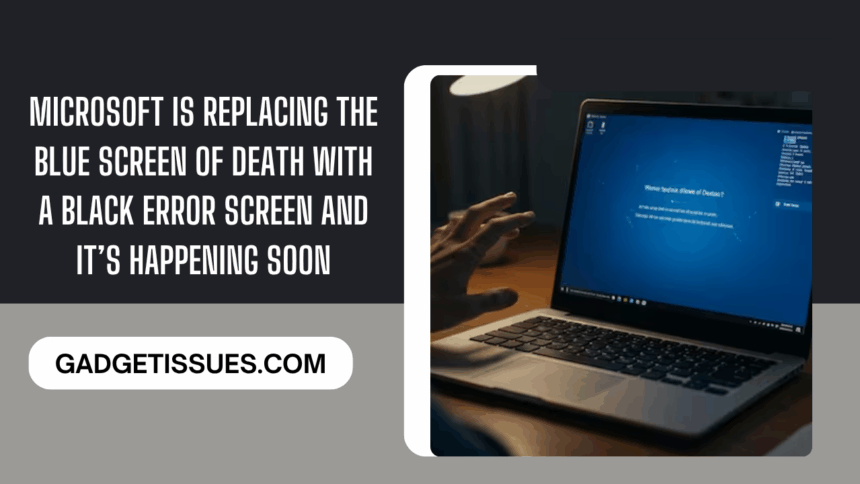
It’s the end of an era—and maybe, just maybe, a little less dread when your PC crashes.
Microsoft is finally saying goodbye to the infamous Blue Screen of Death (BSOD) that’s haunted Windows users for decades. Later this year, that bright blue harbinger of disaster will be replaced with something simpler—and maybe a bit less alarming: a Black Screen of Death.
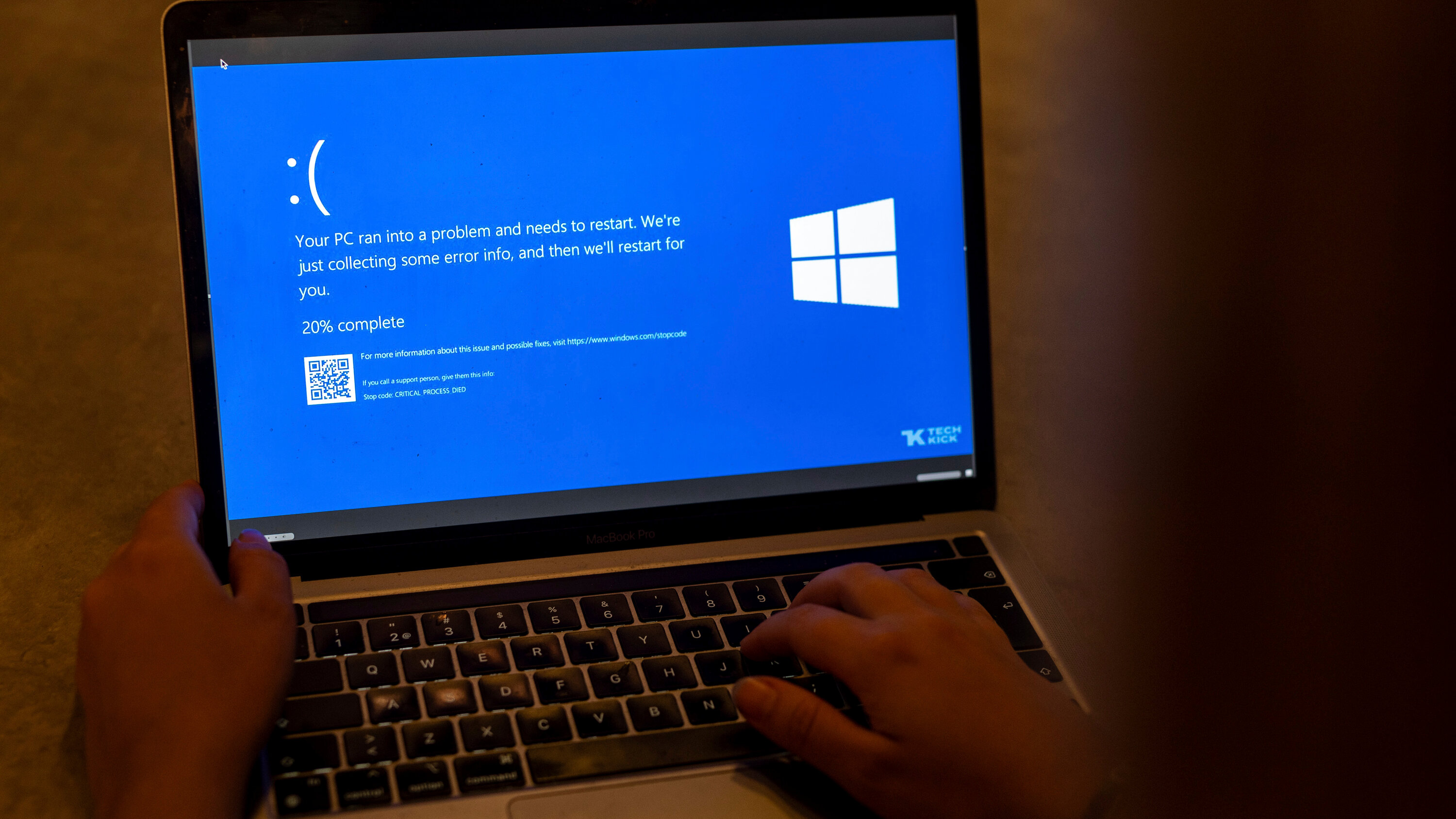
According to Microsoft, the new black error screen is designed to be cleaner and clearer, giving IT administrators more information to quickly pinpoint what went wrong when a Windows 11 machine goes down. So, while your computer may still crash, at least you won’t have to squint at a sea of technical jargon topped off with a frowning emoticon.
Goodbye Blue, Hello Black
David Weston, Microsoft’s VP of Enterprise and OS Security, shared the details in an interview with The Verge. He confirmed that the black error screen will start showing up on Windows 11 “later this summer,” alongside the rollout of Quick Machine Recovery (QMR). If you’re wondering when exactly, expect it before August or September if all goes to plan.
Earlier this year, some Windows Insiders got a sneak peek at the redesign—though back then, it was actually a green screen. The new black version looks almost identical to that early test build.
Instead of the classic blue background and that large sad face, the black screen is streamlined. You’ll see a clear, center-aligned message explaining that your computer is restarting because of an error, plus a progress percentage as your crash logs are collected.
What You’ll See Next Time Your PC Crashes
Along with the cleaner design, the updated screen is meant to be more helpful. It’ll display:
- A stop code with an error description you can pass along to your IT team
- The name of the process that caused the crash (think
rdbss.sysor other system files)
It’s not the first time Microsoft has flirted with ditching the blue. Back in 2021, the company tested an all-black version of the BSOD, complete with the frowning emoticon. But this time, the sad face is gone, perhaps sparing users a little emotional turmoil when something goes sideways.
Why the Change Now?
This update is about more than a fresh coat of paint. It follows a rough chapter for Microsoft: last year, a glitch linked to security firm CrowdStrike knocked millions of Windows machines offline and left them unbootable. That debacle made it painfully clear how important better recovery and clearer communication are when something fails.
The upcoming improvements to Windows security and recovery—including the Black Screen of Death—are part of Microsoft’s plan to prevent similar nightmares.
While the Blue Screen of Death has earned a place in tech folklore (and more than a few memes), it seems fitting that Windows 11 users will move on to something a little more modern—and hopefully a lot more helpful—later this year.
Also Read : BSNL Launches Portal for Doorstep SIM Delivery With Self-KYC: Here’s How It Works