Samsung has issued an important advisory to Galaxy smartphone users, urging them to activate the latest anti-theft protections in light of a surge in mobile thefts worldwide. The company recently began rolling out its One UI 7 update, which brings a range of enhanced security features designed to help people protect their devices and personal data.
Samsung Rolls Out Stronger Anti-Theft Tools with One UI 7
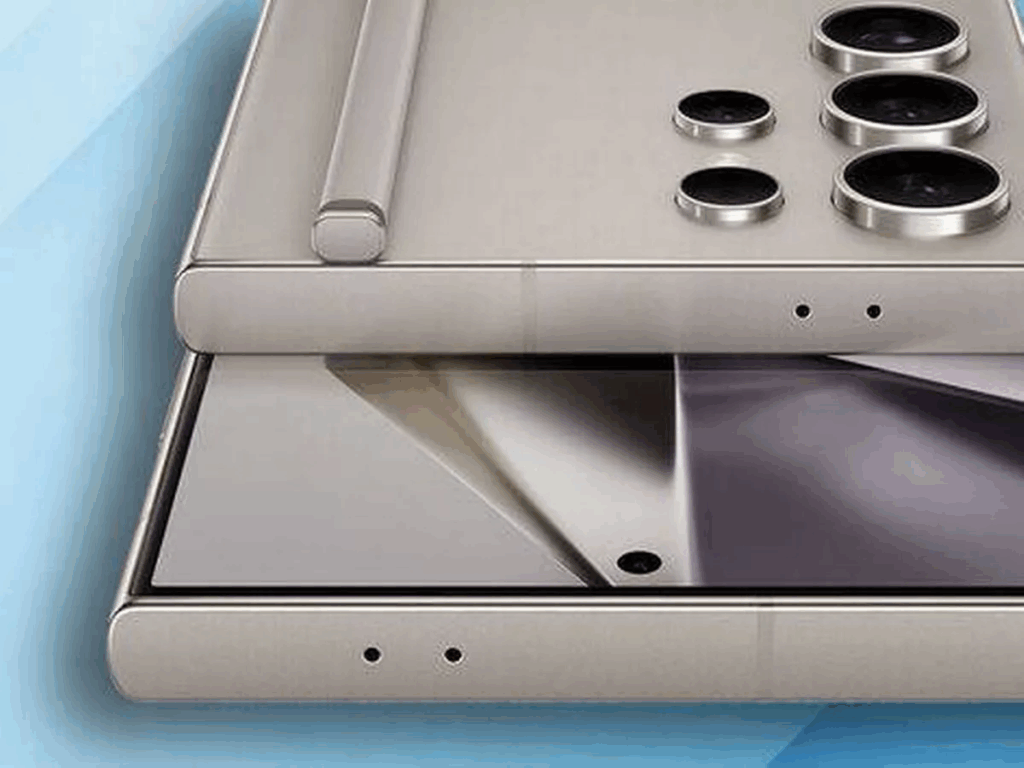
In an official announcement, Samsung explained that it is expanding the availability of its Theft Protection suite to more Galaxy devices. Originally launched with the Galaxy S25 series, these features are now making their way to the Galaxy S24, Galaxy S23, Galaxy S22, and the latest foldables, including the Galaxy Z Fold 6, Z Flip 6, Z Fold 5, and Z Flip 5. The company says even more devices will get the update by the end of 2025.
The Theft Protection suite combines Samsung’s existing safeguards—like Theft Detection Lock, Offline Device Lock, and Remote Lock—with new tools meant to tackle more sophisticated threats.
Among the most notable additions are Identity Check and Security Delay, features designed to protect users even if their PINs or passwords are exposed during a robbery.
- Identity Check requires biometric verification—like a fingerprint or face scan—before allowing changes to critical security settings, especially if the phone detects it’s in an unfamiliar location.
- Security Delay introduces a one-hour waiting period when someone tries to reset biometric data. This time buffer gives users a chance to lock the phone remotely from another device before thieves can gain full access.
Samsung says these anti-robbery measures build on Android’s built-in protections but go a step further to cover situations where a thief knows the unlock code.
This push for better security also comes alongside a public awareness campaign the company recently launched in the UK, in partnership with the UK Home Office, to educate users about securing their devices.
How to Turn On the New Anti-Theft Features
If you have a compatible Galaxy device, Samsung strongly recommends updating to One UI 7 and reviewing your security settings to enable the full Theft Protection suite. To check if your device is eligible and learn how to activate these features, visit Samsung’s official support page or use the Samsung Members app.
In today’s climate of rising phone thefts, taking a few minutes to set up these protections could save you a lot of trouble—and help keep your data safe, even if your phone falls into the wrong hands.
Also Read : Fintech Startup Once Dubbed “Plaid for BNPL,” Shuts Down After 8 Years and $21.6M in Funding