By using this site, you agree to the Privacy Policy and Terms of Use.
Accept

Gadget Issues

Fix Your Gadgets

  • About Us
  • How to Fix
  • Error Fix
  • Tutorial
  • Tech News
© 2025 All Rights Reserved.
Reading: How to Fix or Replace a Faulty Headphone Jack
Share
Sign In
Notification Show More
Font ResizerAa

Gadget Issues

Fix Your Gadgets

Font ResizerAa
  • About Us
  • How to Fix
  • Error Fix
  • Tutorial
  • Tech News
Search
  • About Us
  • How to Fix
  • Error Fix
  • Tutorial
  • Tech News
Have an existing account? Sign In
Follow US
© 2022 Foxiz News Network. Ruby Design Company. All Rights Reserved.
Gadget Issues > Blog > How to Fix > How to Fix or Replace a Faulty Headphone Jack
How to Fix

How to Fix or Replace a Faulty Headphone Jack

skynet
Last updated: April 2, 2025 7:29 am
skynet
Share
2 Min Read
SHARE

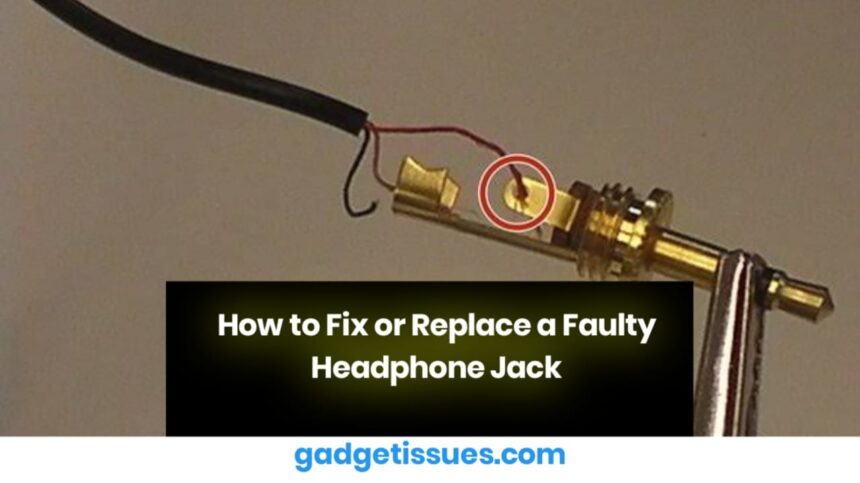
A damaged headphone jack can cause audio issues, such as static noise, one-sided sound, or complete disconnection. Instead of replacing your headphones or device, you can try fixing or replacing the jack with the following steps.

Contents
1. Clean the Headphone Jack2. Check for Loose Connections3. Replace the Headphone Jack4. Test the New Headphone JackFinal Thoughts

1. Clean the Headphone Jack

Dirt and debris inside the headphone jack can interfere with the connection.

  • Use a flashlight to inspect the port for dust or lint.
  • Clean the jack using a compressed air duster.
  • If debris is stuck inside, gently remove it with a toothpick or cotton swab dipped in isopropyl alcohol.

2. Check for Loose Connections

Sometimes, the headphone jack may become loose due to wear and tear.

  • If the jack wiggles excessively, it might need to be resoldered.
  • Open the device carefully using a pry tool kit.
  • Locate the headphone jack and check for any disconnected wires.
  • Resolder loose connections carefully to restore audio output.

3. Replace the Headphone Jack

If the jack is physically damaged, replacing it might be the best solution.

  • Purchase a compatible replacement headphone jack for your device.
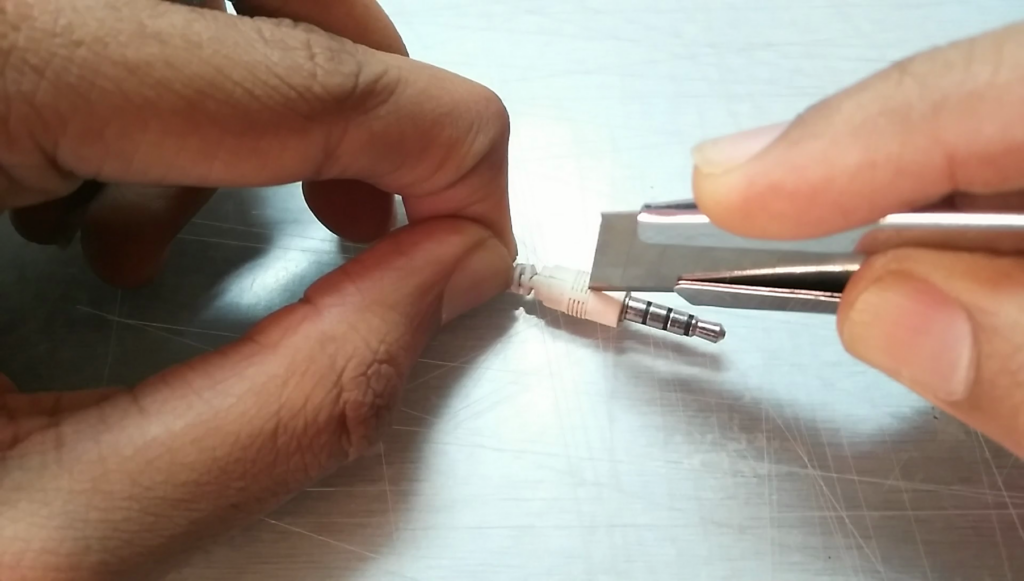
  • Desolder the faulty jack using a soldering kit.
  • Install the new jack and ensure all connections are secure before reassembling the device.

4. Test the New Headphone Jack
Once the repair is complete:

  • Plug in your headphones and test audio output on different applications.
  • If the issue persists, check your device’s audio settings and try another pair of headphones.
  • If needed, visit Sony support for troubleshooting assistance.

Final Thoughts

Fixing or replacing a faulty headphone jack can save you money and extend the life of your device. However, if you’re unsure about opening your device or soldering, seeking professional repair services is recommended.

Also Read : Complete Troubleshooting Guide: Fixing Issues with HyperX Cloud Alpha Headset

You Might Also Like

8 Ways to Troubleshoot Any Speaker Issues on Your Android Phone

Free Up Storage Space on Your Phone in 6 Easy Steps

How to Effectively Remove Water From Your Samsung Phone: A Step-by-Step Guide

How to Fix MacBook Display “Staingate” Issue: A Step-by-Step Guide

How to Fix a Water-Damaged Charging Port

TAGGED:audio issuesDIY FixElectronics Repairfaulty audio portHeadphone jack repairReplace Headphone JackTroubleshooting
Share This Article
Facebook Twitter Copy Link Print
Share
Previous Article How to Fix a Loose USB Port on a Xiaomi Power Bank
Next Article How to Fix a Non-Working Start Button on a Laptop

Latest News

Small visual elements like gears, data points, and element symbols
How To Fix Bluetooth Not Working After Phone Update
How to Fix
why is my phone not connecting to wifi
Why Won’t My Android Phone Connect to Wi-Fi? (And How to Fix It)
How to Fix
magnetic USB C cables
Why You Need to Stop Using Magnetic USB-C Cables Immediately
How to Fix
Troubleshooting Tips to Fix Your Gadgets
10 Tech Troubleshooting Tips to Fix Your Gadgets
How to Fix
//

“Struggling with slow internet or other gadget problems? Our blog offers step-by-step solutions to common tech issues, helping you troubleshoot and resolve problems quickly and efficiently.”

Quick Link

  • Contact Us
  • Privacy Policy
  • Terms and Conditions
  • Cookie Policy
  • Disclaimer

Read Categories

  • Error Fix
  • How to Fix
  • Tech News
  • Tutorial
  • Uncategorized

Find Us on Socials

Follow US
© 2025 Gasgetissues. All Rights Reserved.
Welcome Back!

Sign in to your account


Lost your password?




