By using this site, you agree to the Privacy Policy and Terms of Use.
Accept

Gadget Issues

Fix Your Gadgets

  • About Us
  • How to Fix
  • Error Fix
  • Tutorial
  • Tech News
© 2025 All Rights Reserved.
Reading: How to Fix a Loose USB Port on a Xiaomi Power Bank
Share
Sign In
Notification Show More
Font ResizerAa

Gadget Issues

Fix Your Gadgets

Font ResizerAa
  • About Us
  • How to Fix
  • Error Fix
  • Tutorial
  • Tech News
Search
  • About Us
  • How to Fix
  • Error Fix
  • Tutorial
  • Tech News
Have an existing account? Sign In
Follow US
© 2022 Foxiz News Network. Ruby Design Company. All Rights Reserved.
Gadget Issues > Blog > How to Fix > How to Fix a Loose USB Port on a Xiaomi Power Bank
How to Fix

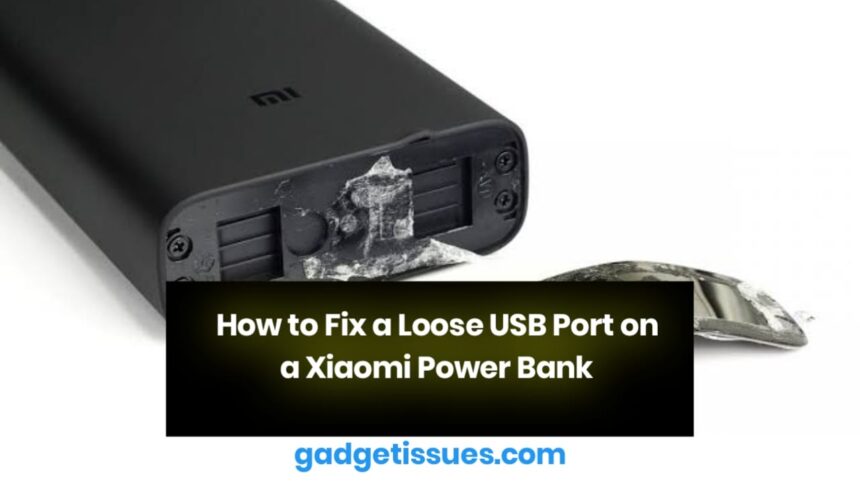
How to Fix a Loose USB Port on a Xiaomi Power Bank

skynet
Last updated: April 2, 2025 7:29 am
skynet
Share
2 Min Read
SHARE

A loose USB port on your Xiaomi power bank can cause charging issues and connectivity problems. Over time, repeated plugging and unplugging may loosen the port, making it difficult to establish a stable connection. Here’s a step-by-step guide to fixing the issue.

Contents
1. Inspect the USB Port2. Secure the Loose Port3. Resolder Loose Connections4. Test the Power BankFinal Thoughts

1. Inspect the USB Port

  • Use a flashlight to look inside the port.
  • If you notice dust or dirt, clean it using a compressed air can.
  • If the pins appear misaligned, carefully straighten them with a toothpick or small tool.

2. Secure the Loose Port

If the USB port moves when you insert a cable, it might have detached from its internal connections.

  • Open the power bank’s casing carefully using a pry tool kit.
  • Locate the USB port and check if it has shifted from its original position.
  • Apply a small amount of super glue to hold it in place.
  • Let the glue dry completely before reassembling the power bank.

3. Resolder Loose Connections
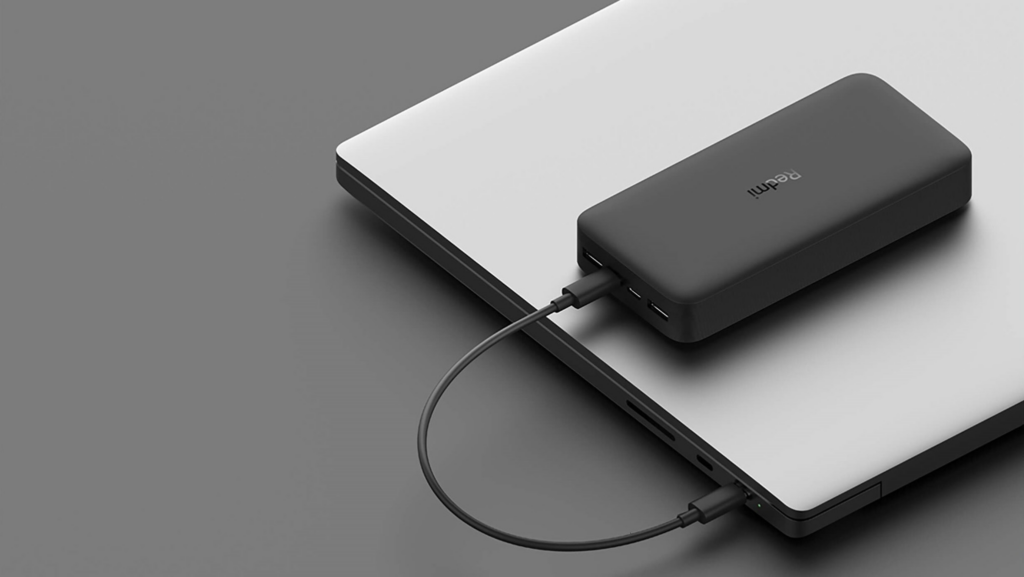
In some cases, the port may have detached from the circuit board, requiring soldering.

  • Identify the solder joints where the USB port connects to the board.
  • Use a soldering kit to reattach loose connections.
  • Be careful not to apply excessive heat to avoid damaging other components.

4. Test the Power Bank

Once the USB port is secured:

  • Reassemble the power bank and ensure all parts fit properly.
  • Insert a USB cable to check if the connection is stable.
  • If the port remains loose or charging issues persist, consider replacing the port with a compatible one.

Final Thoughts

Fixing a loose USB port on your Xiaomi power bank can restore its functionality and prolong its lifespan. However, if you’re unsure about opening the device or soldering, seeking professional repair is a safer option. For further assistance, check Xiaomi support for official repair options.

Also Read : How to Fix an Acer Laptop That Keeps Restarting

You Might Also Like

How to Effectively Remove Water From Your Samsung Phone: A Step-by-Step Guide

How to Fix MacBook Display “Staingate” Issue: A Step-by-Step Guide

How to Fix a Water-Damaged Charging Port

How to Boot Your Samsung Galaxy in Safe Mode – A Step-by-Step Guide

Can’t Boot from USB Flash Drive – Troubleshooting Guide

TAGGED:DIY FixElectronics Repairloose connectionpower bank maintenanceTroubleshootingUSB port repairXiaomi power bank
Share This Article
Facebook Twitter Copy Link Print
Share
Previous Article How to Fix Water Damage on Your TV: A Step-by-Step Guide
Next Article How to Fix or Replace a Faulty Headphone Jack

Latest News

How to Fix “USB Device Not Recognized”: A Complete Troubleshooting Guide
How to Fix
Stable Sight: 5 Ways to Stop Your Laptop Screen from Flickering.
How to Stop Laptop Screen Flickering: A Step-by-Step Fix Guide
How to Fix
Android speaker
8 Ways to Troubleshoot Any Speaker Issues on Your Android Phone
How to Fix
Phone Storage Full Fix
Free Up Storage Space on Your Phone in 6 Easy Steps
How to Fix
//

“Struggling with slow internet or other gadget problems? Our blog offers step-by-step solutions to common tech issues, helping you troubleshoot and resolve problems quickly and efficiently.”

Quick Link

  • Contact Us
  • Privacy Policy
  • Terms and Conditions
  • Cookie Policy
  • Disclaimer

Read Categories

  • Error Fix
  • How to Fix
  • Tech News
  • Tutorial
  • Uncategorized

Find Us on Socials

Follow US
© 2025 Gasgetissues. All Rights Reserved.
Welcome Back!

Sign in to your account


Lost your password?




