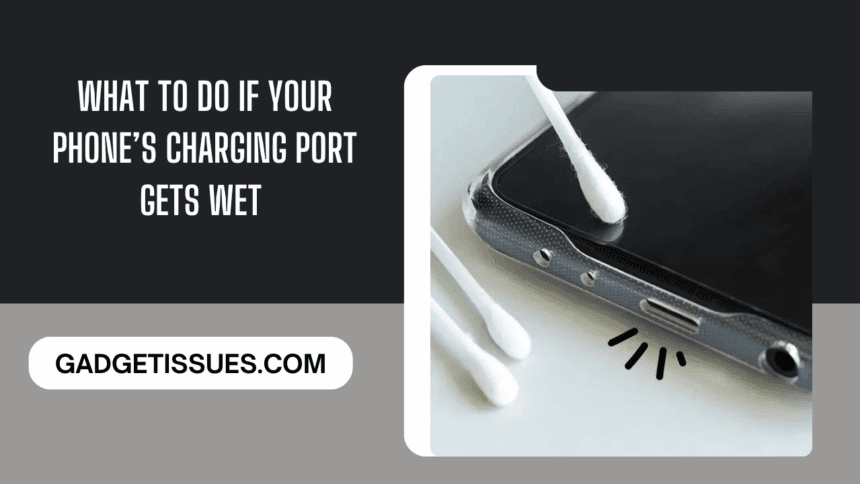
Accidentally dropped your phone in water? Or maybe it was just a splash near the kitchen sink or the poolside? Either way, a wet charging port can feel like a disaster waiting to happen—but don’t panic. The key is to act fast and smart.
So, how to get water out your phone charging port safely? Start by turning off your phone immediately. Do not plug in the charger or try to power it on—doing so could cause a short circuit. Gently shake the phone to remove any visible water, but avoid blowing air directly into the port, as this can push moisture deeper inside.
Next, let gravity help. Hold your phone with the charging port facing downward and leave it in a dry, well-ventilated place. You can also use a soft, lint-free cloth to dab around the area, but steer clear of inserting anything into the port—not even cotton swabs.
Avoid common mistakes like using a hairdryer or placing the phone in rice, which can worsen the situation. Instead, give your device at least 24 hours to dry fully before attempting to charge it again.
What To Do Immediately After Water Exposure
Before diving into solutions, your first steps are critical in preventing further damage.
- Take the phone out of water right away.
- Remove all accessories including the case, earphones, and charger.
- Hold your phone upright to prevent water from seeping deeper inside.
These first few seconds matter. Avoid pressing buttons or shaking your phone at this stage.
Step-by-Step: How To Get Water Out Of Your Phone’s Charging Port
1. Switch Off Your Phone
The most important thing you can do is power off your phone immediately. This reduces the risk of short circuits that could fry the internal components.
2. Dry Visible Water with a Lint-Free Towel
Use a soft, lint-free towel to gently pat the phone dry. Focus especially on the charging port, corners, and any open slots.
3. Gently Tap It Against Your Palm
Hold your phone with the charging port facing down and gently tap it against your palm. This may help dislodge any trapped water.
4. Let It Air-Dry Naturally
Now comes the waiting game. Place your phone in a dry, well-ventilated area and let it air-dry for at least 5 hours. Avoid using hairdryers, ovens, or microwaves—excess heat can cause more damage than the water itself.
5. Use Desiccants to Speed Up Drying
Want to speed up the process? Place your phone in a sealed bag with silica gel packets or uncooked rice. These materials absorb moisture and can help draw water out of the port more quickly.
What Not To Do If Your Charging Port Gets Wet
Drying a wet charging port is about knowing what to do—and what not to do. Here are common mistakes to avoid:
1. Don’t Ignore Warning Messages
Some smartphones alert you with a “Liquid Detected in USB Port” warning. Don’t dismiss this—it’s a signal that water is still present and charging could be dangerous.
2. Don’t Plug in Your Charger
Never charge your phone while the port is wet. This is a serious safety hazard and can lead to electric shock, short-circuiting, or corrosion of the port’s pins.
3. Don’t Shake the Phone
Shaking your phone doesn’t help. In fact, it can spread moisture further into the internal components, causing more harm than good.
When Should You Seek Professional Help?
If your phone shows signs of water damage—like screen glitches, persistent alerts, or failure to charge—it’s time to contact a professional. DIY fixes may not be enough in such cases.
Final Thoughts
Removing water from your phone’s charging port isn’t complicated—but it requires calm, quick action and the right approach. By following these simple steps and avoiding common mistakes, you can save your device from long-term damage. And remember, if problems persist, don’t hesitate to seek expert help.
Also Read : How to Fix and Enhance Mobile Security