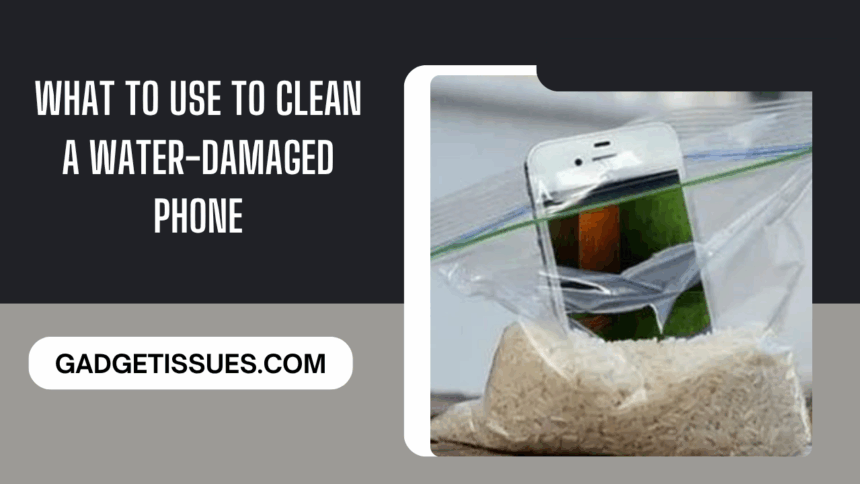
Did your phone take an unexpected dive into water? Don’t panic—you’re not alone, and recovery is possible. While many search frantically for how to fix water damaged phone, the key lies in acting fast and using the right cleaning methods. This guide walks you through essential steps—what to do immediately after exposure and the most effective ways to clean and dry your device. From silica gel packs and air-drying to isopropyl alcohol, your rescue plan starts here. And if DIY doesn’t cut it, professional repair is always an option.
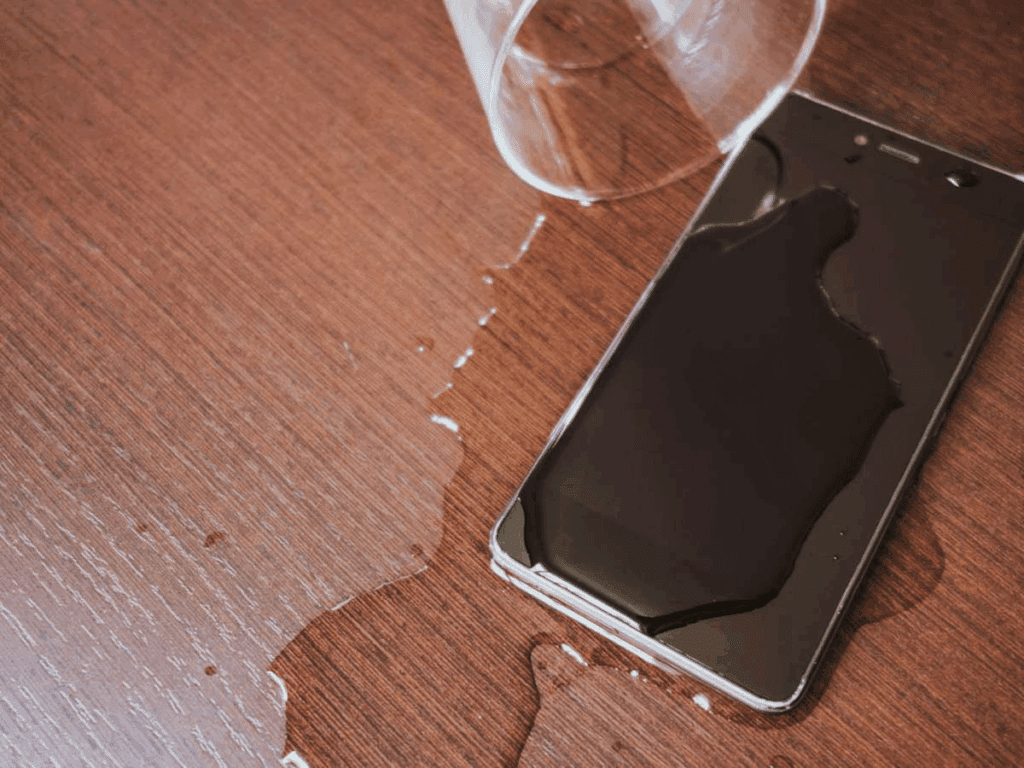
Immediate Steps to Take After Water Damage
1. Fish It Out
The first few seconds matter. If your phone just fell in water, retrieve it immediately. The longer it stays submerged, the greater the risk of liquid seeping into internal components.
Want to understand how water affects electronics? This iFixit teardown offers a great visual breakdown.
2. Turn It Off and Take It Apart
As soon as it’s out of the water, power it down. If your phone has a removable battery, take it out right away. Also remove the SIM card, SD card, and any detachable accessories. This reduces the chance of short circuits and gives you access for better cleaning.
3. Dry It Off
Gently blot your phone dry using a soft microfiber or cotton cloth. Don’t rub—it may push water further into ports or vents. Focus on the charging port, speaker grills, and headphone jack.
If you’re not sure where moisture tends to hide, Samsung’s moisture detection guide is helpful.
4. Do Not Use Heat Sources
No hair dryers, microwaves, or ovens—seriously. Excessive heat can warp or fry delicate components. Controlled, ambient drying is always safer than heat-based methods.
Ways to Clean Your Water-Damaged Phone
1. Silica Gel Packs
These little packs are your best friends in moisture emergencies. Place your disassembled phone in an airtight container filled with silica gel packets. Leave it there for at least 24–48 hours.
2. Air-Drying Method
After blotting:
- Place the phone in a dry, well-ventilated space.
- Avoid sealed or humid environments like bathrooms.
- Leave it untouched for at least 24 hours.
Air-drying takes time, but it’s gentle and risk-free. It’s especially helpful for minor water exposure.
3. Vacuum Method
Surprisingly, a vacuum cleaner (on a low setting) can be useful in drawing out hidden moisture. Use a narrow nozzle to focus around openings like the charging port or speaker holes.
Never use high suction—it can damage components or shift parts. Consumer Reports offers more on this technique.
4. Using Isopropyl Alcohol
A high-concentration (90% or more) isopropyl alcohol can displace water and speed up evaporation. Apply with a microfiber cloth or cotton swab to gently clean internal parts—but never on the screen, as it can cause display damage.
Conclusion
Recovering from phone water damage requires quick thinking and the right approach. Whether you opt for silica gel, air drying, vacuuming, or isopropyl alcohol, patience is key.
Avoid shortcuts like heat and don’t turn your phone back on until you’re absolutely sure it’s dry. If the problem still persists or you want peace of mind, reach out to certified professionals.
Also Read : How to Fix an Acer Laptop That Keeps Restarting