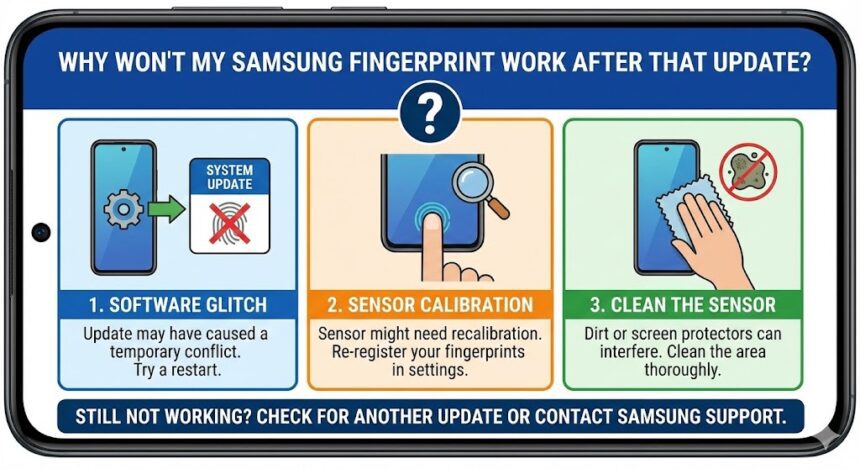
You turn on your Samsung phone. You hope the new software update works perfectly. Suddenly, your fingerprint scanner completely fails. This highly frustrating experience makes logging into secure apps impossible.
Post-update biometric issues happen frequently. However, you can easily fix most of these annoying software glitches today.
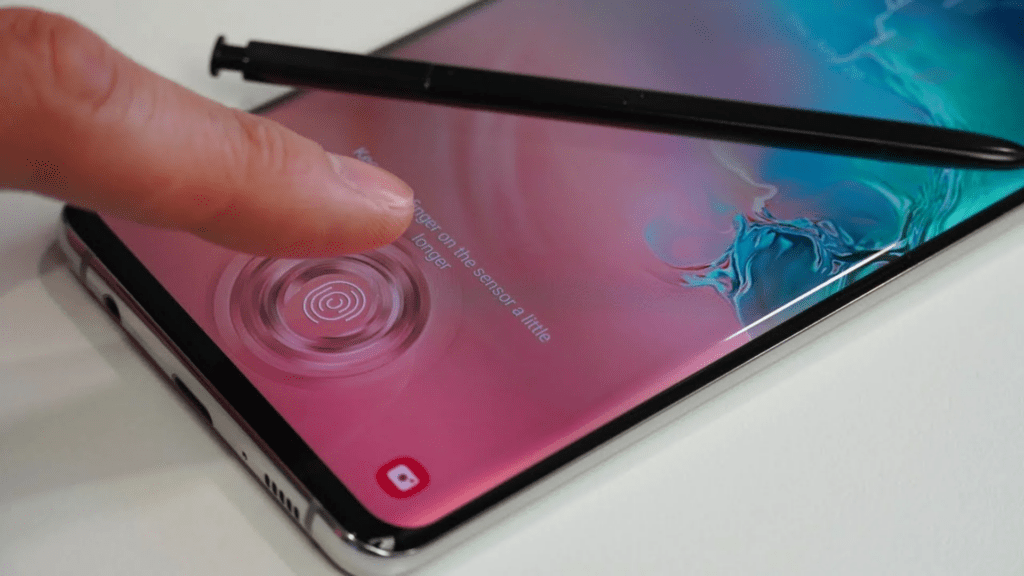
What Causes Scanner Failures?
- Faulty Software Updates: Minor Android patches sometimes introduce unexpected system errors. These updates easily corrupt your biometric module settings.
- Recalibration Needs: Major updates often wipe older fingerprint data completely. You must re-register your fingerprints under the new operating system.
- Dirty Sensors: Thick screen protectors actively block the delicate optical sensor. Furthermore, fingerprint smudges make reading your biometric data impossible.
Quick DIY Troubleshooting Steps
Try these simple methods before visiting a professional repair shop.
- Restart Your Phone: Restarting actively clears corrupted cached processes.
- Clear the Cache Partition: Boot your device into Recovery Mode. Select the “Wipe Cache Partition” option using your physical volume keys. This action safely removes temporary system files.
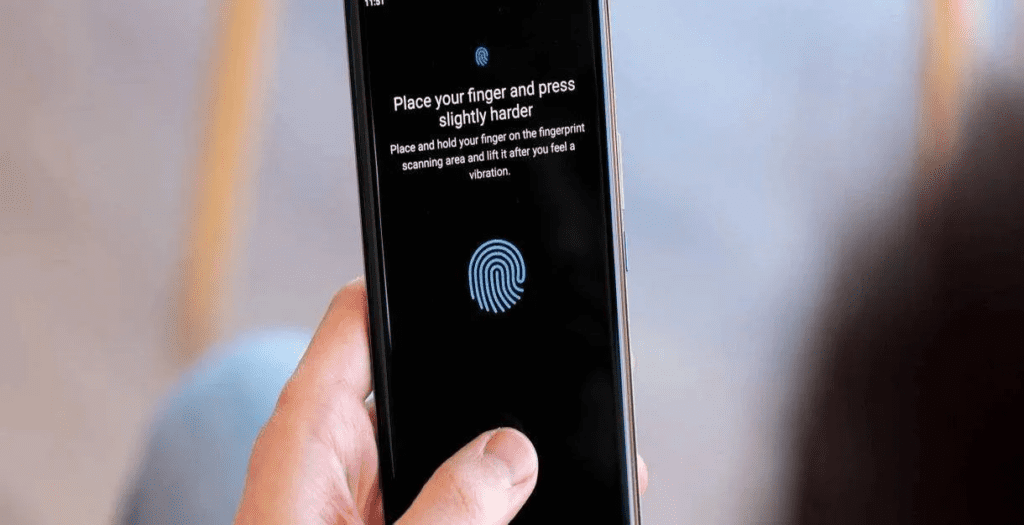
- Re-register Fingerprints: Delete all existing fingerprint profiles immediately. Add new profiles from multiple different angles.
- Boot in Safe Mode: Third-party apps frequently interfere with biometric systems. Safe Mode temporarily disables these problematic apps for testing.
When DIY Fixes Fail
Sometimes, your phone requires serious professional help.
- Hardware Failure: Dropping your phone severely damages the internal sensor hardware. Micro-fractures permanently ruin the delicate biometric circuits.
- Hidden Water Damage: Moisture easily seeps behind the glass screen. This hidden corrosion blocks the biometric signals completely.
Why Choose Expert Repairs?
Tampering with internal components quickly voids your official warranty. Therefore, you should always trust certified professionals. Experts thoroughly understand Samsung update histories and specific hardware bugs. They safely maintain your data integrity during repairs.
If you live in South Australia, contact SAM Phone Repair. Their Adelaide team provides fast, affordable hardware diagnostics.
Prevent Future Update Issues
Delay Major Updates: Wait two weeks before installing massive software updates. This gives Samsung time to patch early bugs.
- Back Up Regularly: Save your important personal data before updating anything.
- Maintain Your Hardware: Always use screen protectors specifically designed for fingerprint sensors.
Also Read : My Laptop Freezes or Restarts When I Plug in My Network Adapter — What’s Going On?