
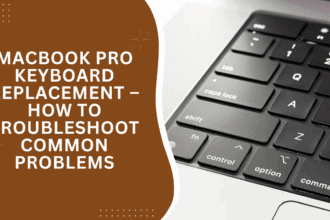
MacBook Pro Keyboard Replacement – How to Troubleshoot Common Problems
Your MacBook Pro keyboard is like the heart of your machine — when it doesn't work correctly anymore, it can…


Common Computer Problems and How to Properly Fix Them
If your computer isn’t working properly, you’re not alone. From slow performance to frozen screens and network issues, many of…
5 Easy Ways to Improve Your Phone’s Battery Life
Smartphones have become essential for communication, work, entertainment, and everything in between. But one common frustration remains: a battery that…

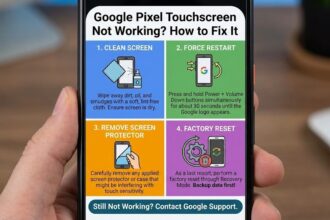
Google Pixel Touchscreen Not Working? How to Fix It
An unresponsive Google Pixel touchscreen causes massive daily frustration. Therefore, you must quickly understand the exact root cause. Consequently, this…
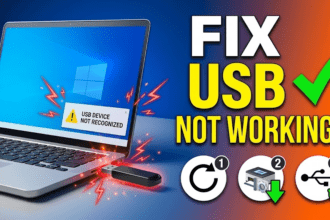
How to Fix “USB Device Not Recognized”: A Complete Troubleshooting Guide
Nothing is more frustrating than plugging in a flash drive or mouse only to see the dreaded notification: “USB device…

How to Fix Samsung Tablet Charging Issues: Lightning Bolt Icon But Not Charging
Encountering a situation where your Samsung tablet shows the lightning bolt icon but isn’t charging can be frustrating. This issue…

How to Repair a Cracked iPad Screen Without Replacing It: Tips and Solutions
Apple devices are renowned for their durability and quality, but accidents can happen, and iPad screens are particularly vulnerable to…

How to Repair a Severed Cable: A Step-by-Step Guide
Accidentally cutting a cable in half can be frustrating, but don’t worry—it can often be fixed with some simple tools…
How to Safely Remove Keycaps from a MacBook Keyboard
Removing keycaps from a MacBook keyboard is a delicate process that requires precision and patience. Whether you're cleaning beneath the…

How to Fix a Computer That Freezes at the Slightest Movement
If your computer freezes when moved, it could indicate a hardware-related issue such as a loose connection, faulty RAM, or…




