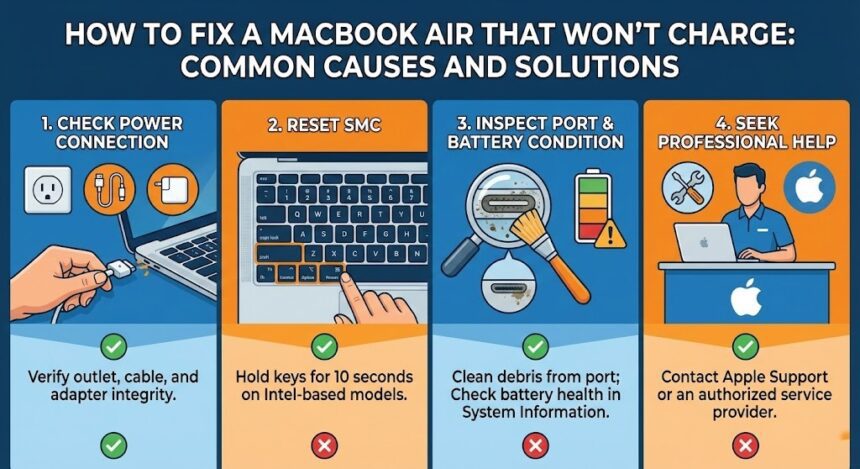
A dead MacBook Air quickly disrupts your daily routine. Furthermore, users frequently face frustrating charging problems with these popular devices. You must identify the real cause to fix the issue properly. Fortunately, technicians can diagnose and resolve most charging problems using the right approach.
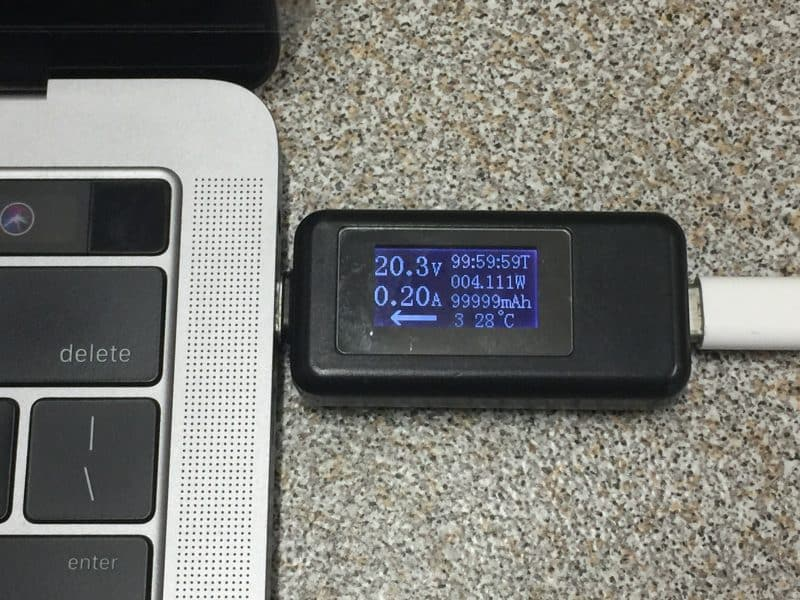
Common Reasons a MacBook Air Won’t Charge
You must understand why your MacBook Air suddenly stops charging. Often, the problem stems from a simple physical issue.
First, a broken charging cable or defective power adapter prevents proper power delivery. Additionally, even invisible internal wire damage can interrupt the charging process.
Second, dust, lint, or coastal humidity easily block the physical connection. For example, Adelaide residents frequently experience corrosion inside their charging ports over time.
Third, MacBook Air batteries naturally lose capacity after hundreds of charge cycles. Consequently, a degraded battery might drain rapidly or completely fail to hold power.
Finally, system bugs and power management errors frequently interfere with battery charging. Surprisingly, many people completely overlook these common macOS problems.
Software Repair Solutions
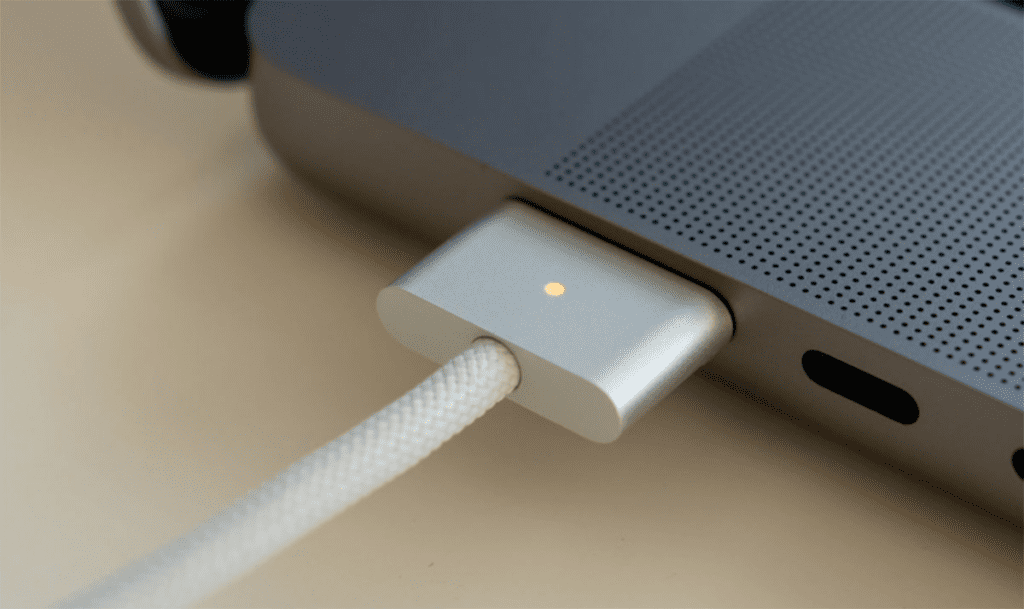
People frequently underestimate software problems when troubleshooting charging issues. However, the operating system plays a major role in managing your battery power.
Occasionally, system updates introduce strange bugs. Corrupted background processes easily disrupt your normal charging behavior.
The System Management Controller (SMC) actively controls low-level thermal and battery functions. Therefore, you can fix many power issues by resetting the SMC or NVRAM. Apple Silicon users simply need to restart their machines. Conversely, Intel Mac users must hold specific key combinations during startup.+2
Moreover, certain background applications drain power faster than your charger supplies it. You should run professional diagnostics to identify power-hungry software conflicts.
Sometimes, basic user troubleshooting simply does not work. In these cases, you need advanced software repair services. Experts can repair corrupted system files and reinstall macOS safely.
Hardware-Related Charging Problems
If software fixes fail, you likely have a physical hardware fault. Unfortunately, these specific problems require expert inspection and proper repair tools.
Repeatedly plugging your device often loosens internal connectors. Furthermore, liquid exposure quickly causes dangerous corrosion. A damaged port might hold the charger but fail to deliver electricity.
Swollen, overheating, or dead batteries pose severe safety risks. Experienced technicians must replace a MacBook Air battery carefully. Ultimately, precision prevents damage to surrounding internal components.
Power management chips on the logic board control all internal electricity flow. Consequently, damage here completely stops the charging process. Therefore, only highly trained professionals should handle logic board repairs.
Network Unlocking and System Restrictions
Network restrictions also heavily impact MacBook functionality. This issue especially affects managed or previously owned devices.
Network unlocking removes annoying limits on system features and services. For instance, Apple ID locks and enterprise profiles often restrict background power processes.
Locked devices frequently experience update failures and abnormal charging behavior. Software conflicts caused by network limitations prevent macOS from communicating with hardware.
You should never attempt unsafe online unlocking methods. These risky shortcuts often destroy system files completely. Experts can safely unlock your network to improve device performance. This crucial step guarantees stable updates and accurate battery readings.
When to Seek Professional Help
You must know when to stop your DIY troubleshooting attempts. Continuing to experiment on a broken MacBook might cause permanent damage.
Always watch out for these severe warning signs:
- Overheating while plugged into the wall
- A strong burning smell
- Visible swelling near the trackpad
- Unexpected device shutdowns
These alarming symptoms indicate dangerous internal damage. You need immediate professional attention to prevent further destruction. Ultimately, delaying repairs always increases your final costs.
If you live in Adelaide, do not take risks with your device. Contact SAM Phone Repair for expert diagnostics and trusted service. They will gladly get your MacBook Air charging properly again.
Also Read : The Ultimate Guide to Smartphone Repair: Common Issues and DIY Tips