

Improve Your TV Reception: Build a Powerful DIY HDTV Antenna
Are you frustrated with poor TV reception and missing out on your favorite free channels? Instead of spending money on…


How to Fix the Microphone on Apple Earphones with Remote and Mic
If the microphone on your Apple earphones (model MB770G/B) is not working but the earbuds still function, the issue could…

iPhone 16 Pro Max Battery Replacement: A Step-by-Step Guide
Over time, your iPhone 16 Pro Max battery may lose its ability to hold a charge, leading to reduced battery…
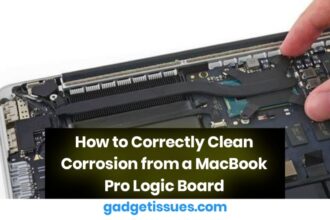
How to Correctly Clean Corrosion from a MacBook Pro Logic Board
Corrosion on a MacBook Pro logic board can lead to various issues, including system crashes, power failures, and component malfunctions.…
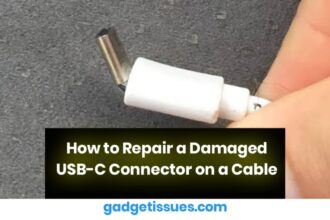
How to Repair a Damaged USB-C Connector on a Cable
USB-C connectors have become the standard for charging and data transfer on modern devices, offering fast speeds and versatile usage.…

How to Fix Apple MagSafe 1 Charger Not Charging (Blinking Green/Orange Light)
Apple’s MagSafe 1 charger is known for its reliability, but users sometimes experience issues where the charger does not charge…
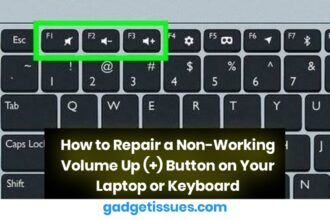
How to Repair a Non-Working Volume Up (+) Button on Your Laptop or Keyboard
A non-working volume up (+) button can be inconvenient, especially during video calls, media playback, or presentations. Whether you’re using…
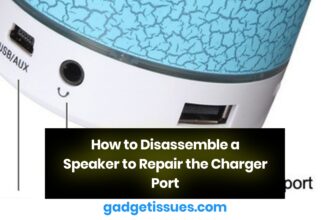
How to Disassemble a Speaker to Repair the Charger Port
Disassembling a speaker to repair its charger port involves a few careful steps. It’s important to ensure that you have…
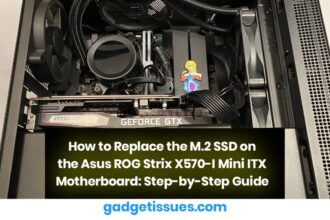
How to Replace the M.2 SSD on the Asus ROG Strix X570-I Mini ITX Motherboard: Step-by-Step Guide
1. Gather the Necessary Tools and Materials Ensure you have the following items ready: 2. Power Off and Disconnect All…
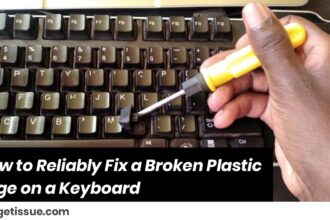
How to Reliably Fix a Broken Plastic Edge on a Keyboard
Tools & Materials Needed: Step-by-Step Repair Process: 1. Clean the Surface Thoroughly Use a microfiber cloth with rubbing alcohol to…




